Skip to content

Build Your Own Block

This guide shows how to turn Base Kit components into a maintainable, installable, and optionally contributable business block. The running example is an anonymized filter bar with no real APIs, credentials, private URLs, or internal ticket IDs.

Installable Blocks

1. Understand the layers

LayerOwnsDoes not own
PrimitivesState, events, parts, cross-runtime semanticsVisual tokens, product copy
Base Kit / UICopied low-level component source and default stylesRemote data, permissions, domain models
Business wrappersAPIs, authz, field mapping, product copyGeneric interaction state machines
BlocksReusable screen sections and local compositionPrivate backend details, one-off page glue

Rule of thumb: a block should feel like a portable page slice, not a page locked to one product API.

2. Define the block contract

Write the contract before the implementation:

ts
// Example contract for a local filter block
export interface StatusOption {
  label: string
  value: string
  disabled?: boolean
}

export interface FilterBarProps {
  /** Status options injected by the product layer */
  options: StatusOption[]
  /** Controlled selected values */
  modelValue?: string[]
  /** Disabled state */
  disabled?: boolean
}

export interface FilterBarEmits {
  (e: 'update:modelValue', value: string[]): void
  (e: 'change', value: string[]): void
}

Capture:

  • Inputs: options, defaults, disabled
  • Outputs: update:modelValue / change
  • Local state: UI-only temporary state
  • Dependencies: Base Kit component names such as select
  • Exclusions: remote dictionaries, auth, analytics SDKs, private domains

3. Choose Base Kit dependencies

Prefer dependencies from the app tree:

text
src/components/ui/*

Do not import registry source paths directly from the block. Keep remote data and product policy in business wrappers.

Install the base component:

bash
pnpm dlx @varo-ui/cli add --target weapp components/select

4. Create the local block

Recommended path:

text
src/components/blocks/status-filter.vue

Minimal implementation:

vue
<script setup lang="ts">
import { computed } from 'vue'
import { VSelect } from '../ui/select'

export interface StatusOption {
  label: string
  value: string
  disabled?: boolean
}

const props = withDefaults(
  defineProps<{
    options: StatusOption[]
    modelValue?: string[]
    disabled?: boolean
    placeholder?: string
  }>(),
  {
    modelValue: () => [],
    disabled: false,
    placeholder: 'Select statuses'
  }
)

const emit = defineEmits<{
  'update:modelValue': [value: string[]]
  'change': [value: string[]]
}>()

const value = computed({
  get: () => props.modelValue,
  set: (next) => {
    const normalized = next ?? []
    emit('update:modelValue', normalized)
    emit('change', normalized)
  }
})
</script>

<template>
  <section class="status-filter">
    <header class="status-filter__head">
      <strong>Status filter</strong>
      <span>{{ value.length }} selected</span>
    </header>
    <VSelect
      v-model:value="value"
      multiple
      :disabled="disabled"
      :options="options"
      :placeholder="placeholder"
    />
  </section>
</template>

Requirements:

  • typed props and emits
  • small, readable layout
  • no hard-coded product APIs

5. Test the block

Cover at least:

  • initial render
  • emitted values after interaction
  • disabled behavior
  • dependency boundaries (no network, no private env reads)
ts
import { mount } from '@vue/test-utils'
import { describe, expect, it } from 'vitest'
import StatusFilter from '../status-filter.vue'

describe('StatusFilter', () => {
  it('keeps selected statuses under product control', async () => {
    const wrapper = mount(StatusFilter, {
      props: {
        options: [
          { label: 'Pending', value: 'pending' },
          { label: 'Done', value: 'done' }
        ],
        modelValue: []
      }
    })

    await wrapper.setProps({ modelValue: ['pending'] })
    expect(wrapper.props('modelValue')).toEqual(['pending'])
  })
})

6. Use and maintain it locally

vue
<script setup lang="ts">
import { ref } from 'vue'
import StatusFilter from '@/components/blocks/status-filter.vue'

const statuses = ref<string[]>([])
const options = [
  { label: 'Pending', value: 'pending' },
  { label: 'Done', value: 'done' }
]
</script>

<template>
  <StatusFilter v-model="statuses" :options="options" />
</template>

Copied source belongs to the application team. You can change layout, tokens, and interaction without contributing those product decisions back to Varo.

7. Prepare registry metadata

To make the block installable through the CLI:

text
registry/blocks/status-filter/registry.json
registry/blocks/status-filter/status-filter.vue

Example registry.json:

json
{
  "name": "status-filter",
  "type": "block",
  "title": "Status Filter",
  "description": "A local filter bar for selecting multiple anonymized statuses with VSelect.",
  "targets": ["weapp"],
  "dependencies": ["vue"],
  "registryDependencies": ["components/select"],
  "files": [
    {
      "target": "weapp",
      "from": "registry/blocks/status-filter/status-filter.vue",
      "to": "src/components/blocks/status-filter.vue"
    }
  ],
  "docs": "/blocks/status-filter"
}

Key fields:

  • type: block
  • targets: for example weapp
  • registryDependencies: recursive base components
  • files: from/to mappings
  • docs: documentation route

8. Add bilingual documentation

Every public block should document:

  • purpose
  • dependencies
  • target
  • installed file destination
  • customization boundary / excluded business logic

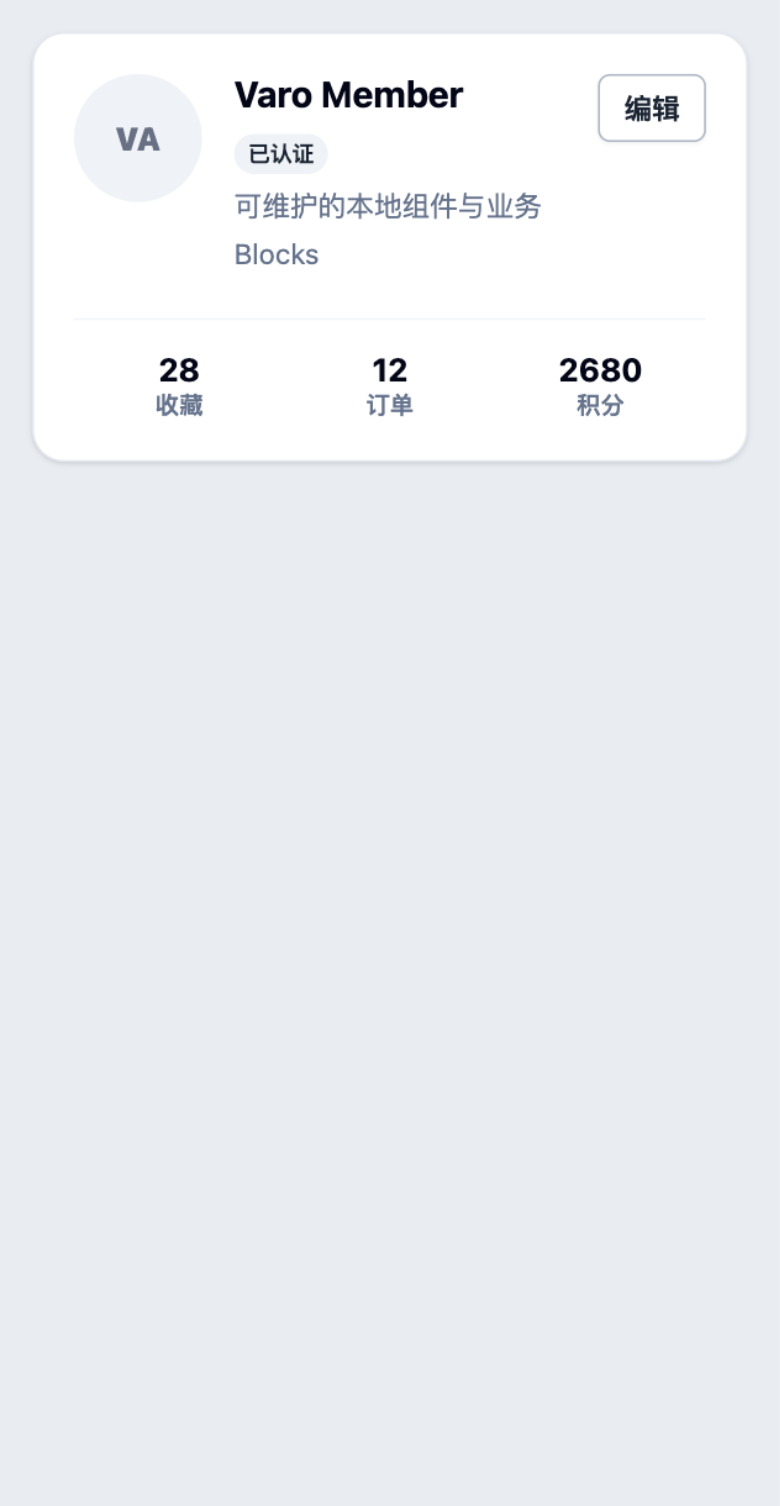
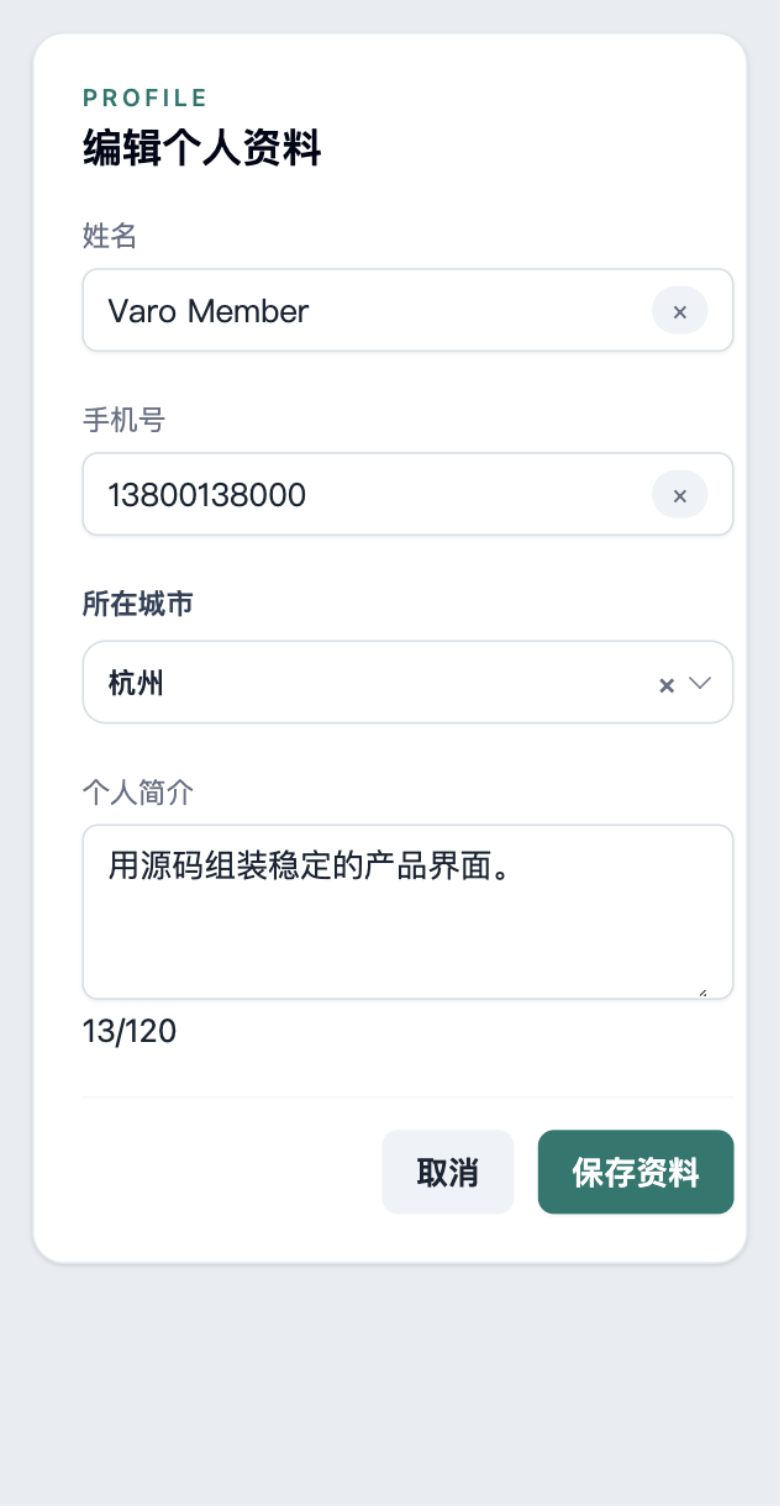
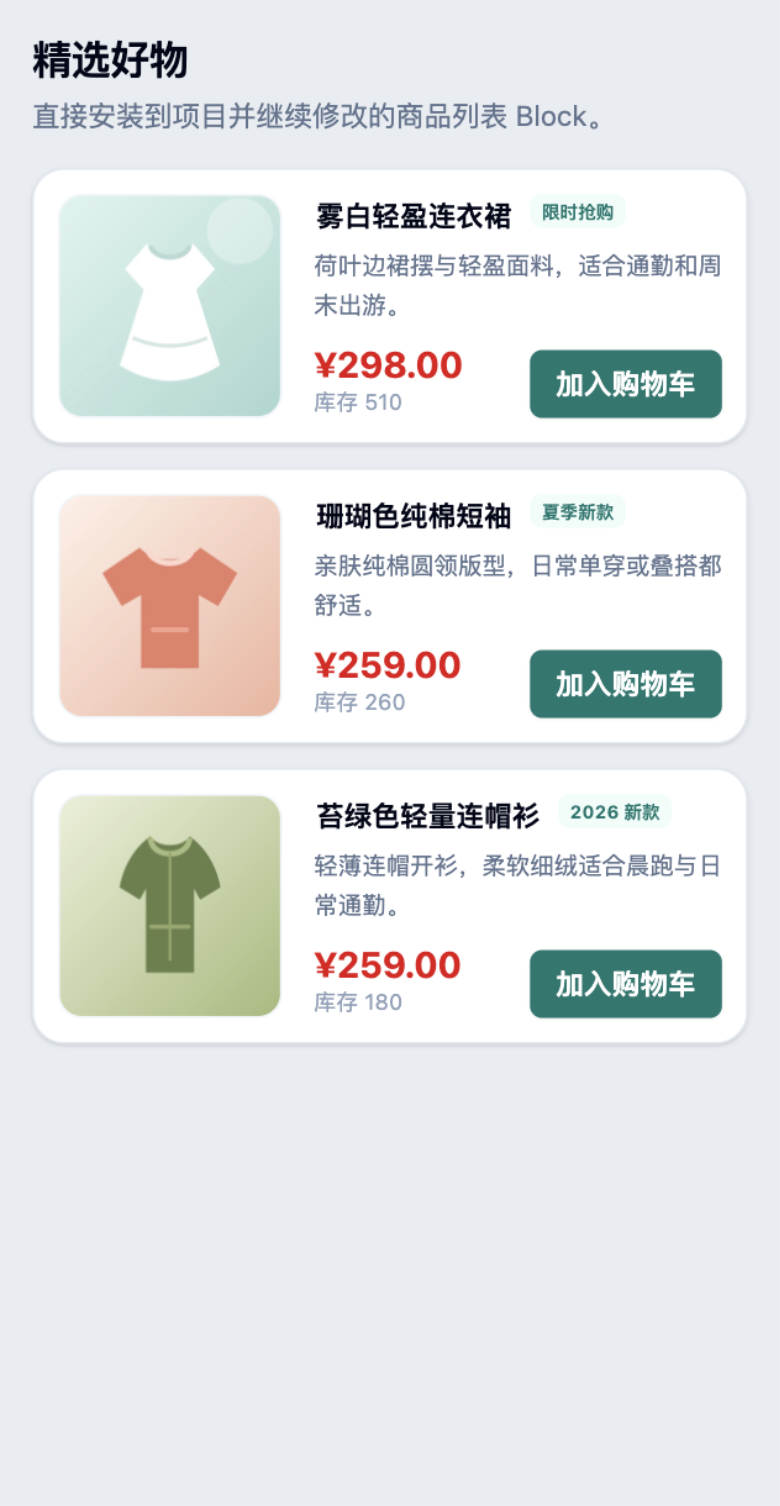
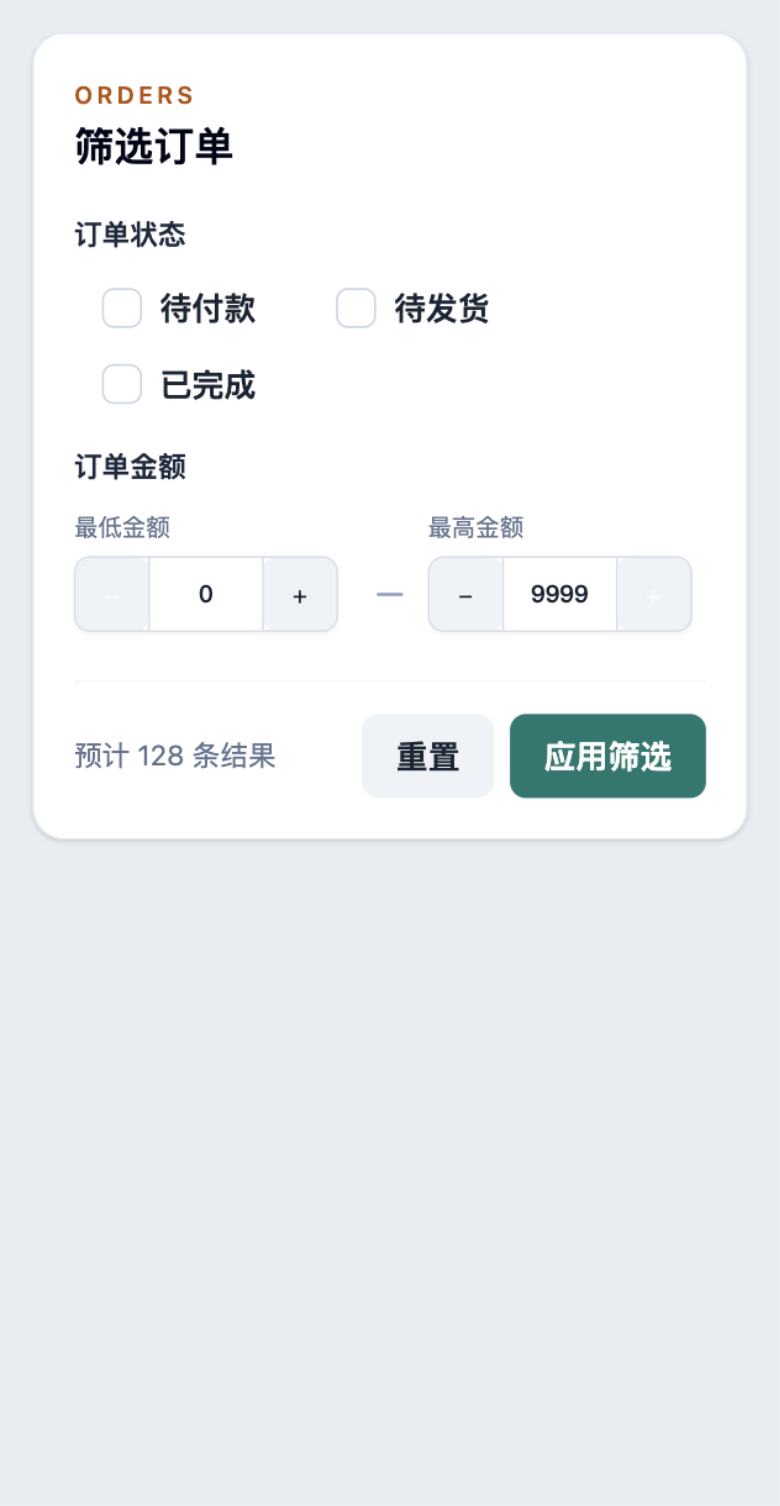
Existing examples:

9. Verify installation

Suggested checklist:

bash
# types and tests
pnpm typecheck
pnpm test

# pack the CLI and install into a temporary fixture
pnpm --filter @varo-ui/cli build
pnpm dlx @varo-ui/cli add --target weapp blocks/status-filter

Confirm:

  • dependency components install recursively
  • existing destinations are not clobbered by default
  • overwrite requires an explicit force path
  • installed files contain no private domains, tokens, or internal IDs

10. Contribute to Varo

Privacy and portability checklist:

A contribution usually includes source, registry.json, tests, and bilingual docs.

Troubleshooting

SymptomFix
Missing dependency installCheck registryDependencies spelling such as components/select
Destination conflictReview the to path; default is no-clobber, force only when explicit
Hard to reuseMove remote data/auth/analytics into a business wrapper
Breaks on mini-programRemove H5-only APIs and keep the shared contract
Unit tests pass but install failsReproduce with packed CLI + temp fixture; verify file mappings

Install existing blocks

bash
pnpm dlx @varo-ui/cli add --target weapp blocks/profile-edit
pnpm dlx @varo-ui/cli add --target weapp blocks/order-filter

After install:

text
src/components/ui/*        # base component source
src/components/blocks/*    # block source
src/components/biz/*       # recommended home for product wrappers